
Your first hour
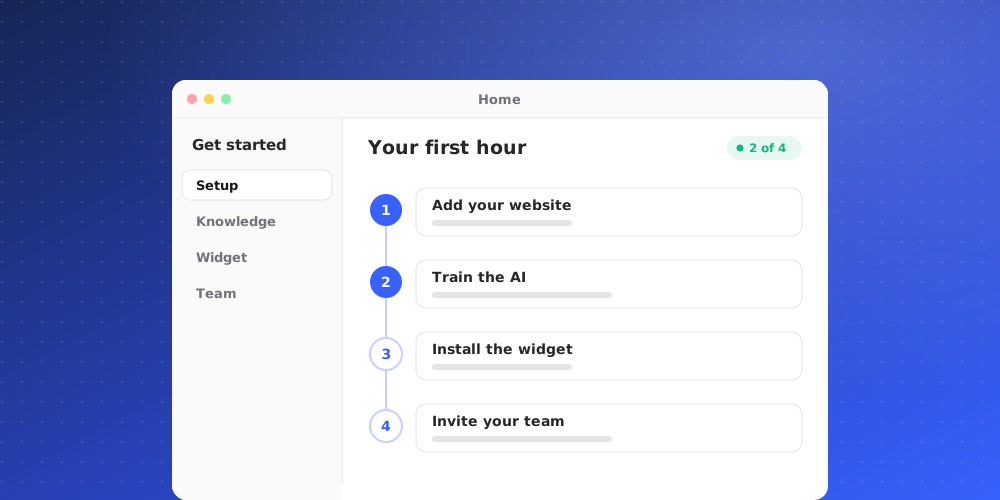
In order, because each step makes the next one useful.
1. Add your clients
Settings > Clients. A client is a company you serve. Add their email domains while you are there: an address at a listed domain tells QuantCX which account a message belongs to, without anybody typing it.
2. Put the widget on your site
Agent > Widgets gives you a snippet. Paste it before the closing body tag. Visitors can now write to you, and you will see it in the inbox.
3. Write a few articles
Agent > Help Center. Even five good articles change the shape of your inbox, because the widget offers them before anybody asks a person.
4. Decide what the AI answers
Agent > Instructions and Agent > AI. You choose whether the AI answers first and when it hands over. Starting with hand-over-early is sensible; you can loosen it once you have read a week of transcripts.
5. Invite your team
Settings > Members. Roles matter here, so read the article on them before choosing.
6. Connect what you already use
Settings > Integrations for Slack and Crisp. If you are moving from Crisp, connect it before you announce anything: the history arriving first is what makes the new desk look like it has always been yours.