
Answering a conversation
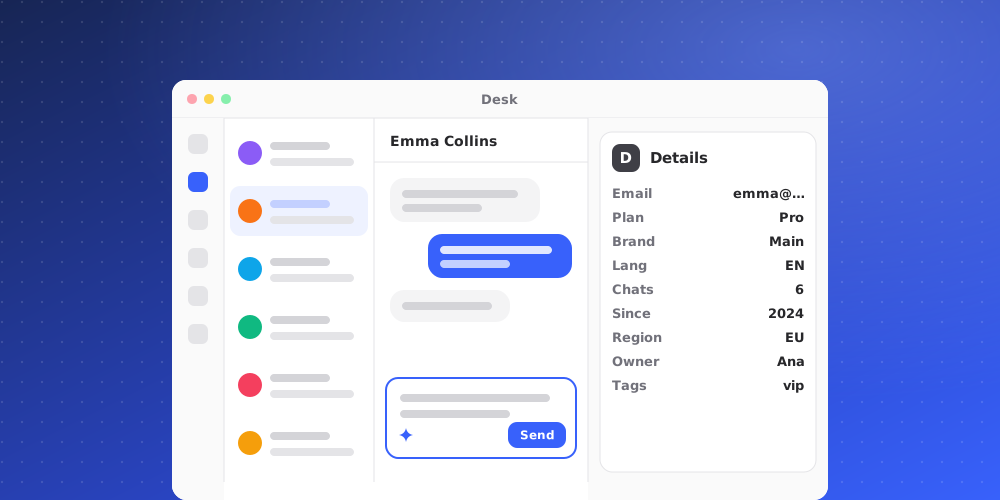
Open a conversation and type in the composer at the bottom. Enter sends, Shift and Enter start a new line.
Reply or private note
The two tabs above the composer do very different things. Reply goes to the customer. Private note stays on the conversation for your team and is never sent anywhere. If you are unsure which one you are in, look before you press Enter: the placeholder text tells you.
Taking it
Replying assigns the conversation to you. That is deliberate, so the common case needs no second action. You can also claim one from the conversation menu without writing anything.
Attachments
Files can be sent both ways. Visitors can attach files in the widget, and a conversation that receives one is handed to a person rather than left with the AI: a file is usually somebody asking for a human.
Who is speaking
Your name and picture appear on your replies. When an AI persona answers, the persona on shift is the one shown, so the customer sees a consistent face rather than a different name each time.