
Protect your widget: rate limits, spam detection and country blocking
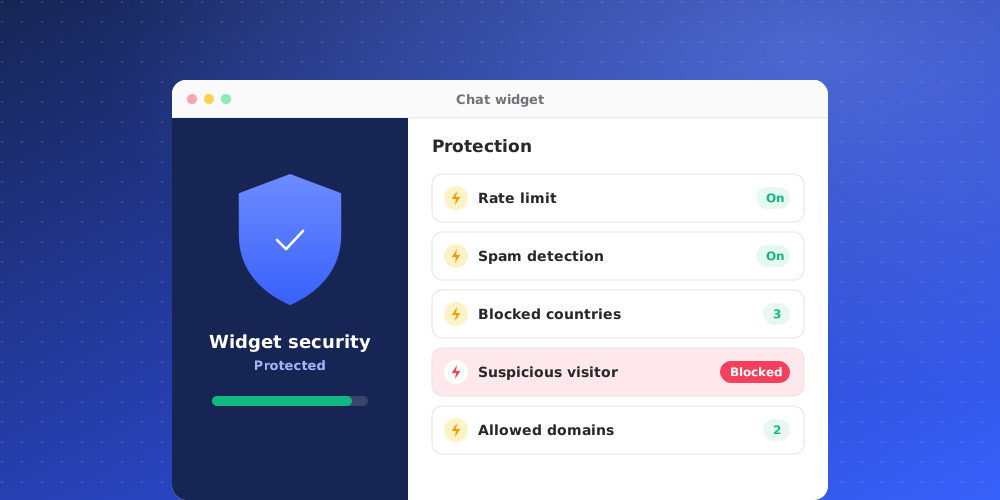
A public chat widget can attract floods of messages, spam and traffic from places you don't serve. The Security settings let you control this for each brand. Open Studio > Brand Settings > Security. Each section has its own save button.
Rate limit
The rate limit caps how many messages one device can send on the Chat Widget and the iframe.
- Set Limit to a number of messages every a number of seconds. The default is 20 messages every 240 seconds.
- Set the Message to show when limit is hit. The default is "Too many messages in a row".
The limit applies to visitors on your website. It does not apply while you test the agent inside QuantCX.
Spam detection
Turn on Spam detection to have conversations checked for spam automatically. The check runs after the visitor's 2nd, 4th, 8th and 16th message.
If a conversation matches, it is closed and marked "Conversation paused by spam protection", and the AI stops replying to it.
Use What counts as spam for this agent to describe what spam means for your business, in up to 2,000 characters. If you leave it as is, the default policy flags profanity, unsolicited promotions, scams, gibberish, keyboard mashing and emoji-only messages. Write your own when, for example, certain words are normal in your industry.
Country blocking
Under Country blocking, add countries to Blocked countries. Visitors from those countries will not see this AI agent.
Blocking applies to the website Chat Widget, Center stage, the Help page and the API. It does not affect WhatsApp, Messenger or other integration channels.
Identity verification
The same page holds Identity verification, which lets your website prove who a signed-in visitor is. See the article on verified identity for how it works.
Allowed domains
Separately from these settings, the widget only appears on the websites listed under Allowed domains in Studio > Chat Widget > Installation. Another site that copies your snippet gets nothing.