
Connect Customer.io
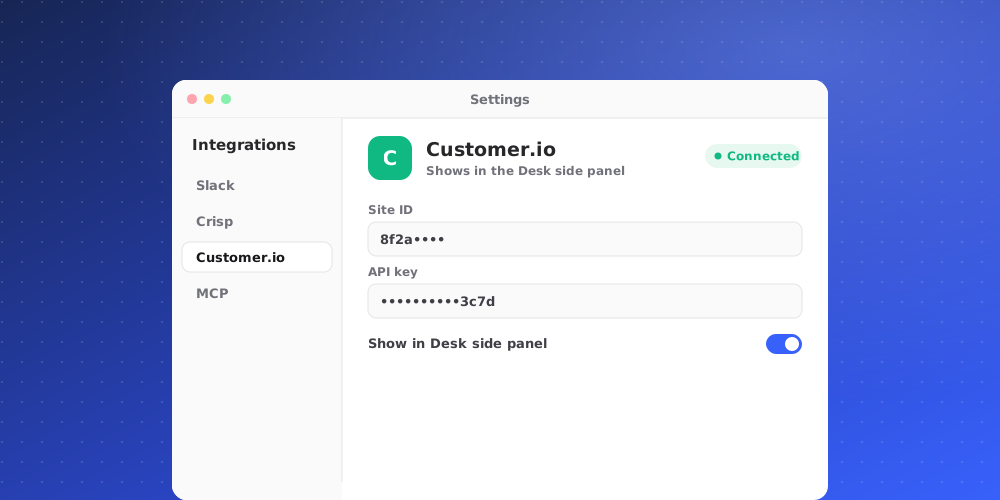
Connect Customer.io to see a client's Customer.io profile next to their conversation or ticket: attributes, segments, unsubscribed status and the messages you sent them. It is read-only. QuantCX never changes anything in Customer.io.
Owners and admins can connect and disconnect. Every member of the workspace sees the data in the Desk side panel, for your workspace's own clients only. It is never shared with the AI agent or the customer.
Create an App API key
In Customer.io, open Settings > Account Settings > API Credentials > App API Keys and create a key. Note whether your account is in the US or EU region: you need to pick the same one in QuantCX.
Connect it in QuantCX
- Go to Settings > Integrations and open the integration, then click Connect.
- Fill in the fields:
- Region: where your Customer.io account is hosted. Choose United States (api.customer.io) or European Union (api-eu.customer.io).
- App API key: write-only. After you save it, nobody can read it back.
- Click Connect. QuantCX checks the key with the provider first. If the check fails, nothing is saved.
The key is stored encrypted and is never shown again, not even to admins. To change it, disconnect and connect again with the new key.
What the side panel shows
The Customer.io app appears when the client's exact email is a person in Customer.io. It shows:
- Whether they are subscribed or unsubscribed, and your own ID for them.
- The segments they are in.
- A selection of their attributes. Attributes that look like credentials or payment details are never shown.
- Recent messages with subject, type, time and delivery state (Delivered, Sent, Failed or Queued), and when they were last emailed.
The app gets a badge when something needs attention, such as Message failed.
What it never does
- Send messages or change people in Customer.io.
- Show attributes that look like credentials or payment details.
- Share the profile with the AI or the customer.
Disconnecting
The App API key is deleted from QuantCX and profiles stop showing in the Desk. Revoke the key in Customer.io too if you no longer need it.